Pick the form.
Start with what the product needs to hold, how it ships, and how it opens. Then choose the structure and size.
Build the dieline. Put the artwork where it belongs. Turn it in 3D. Catch the bad decisions while they are still cheap.
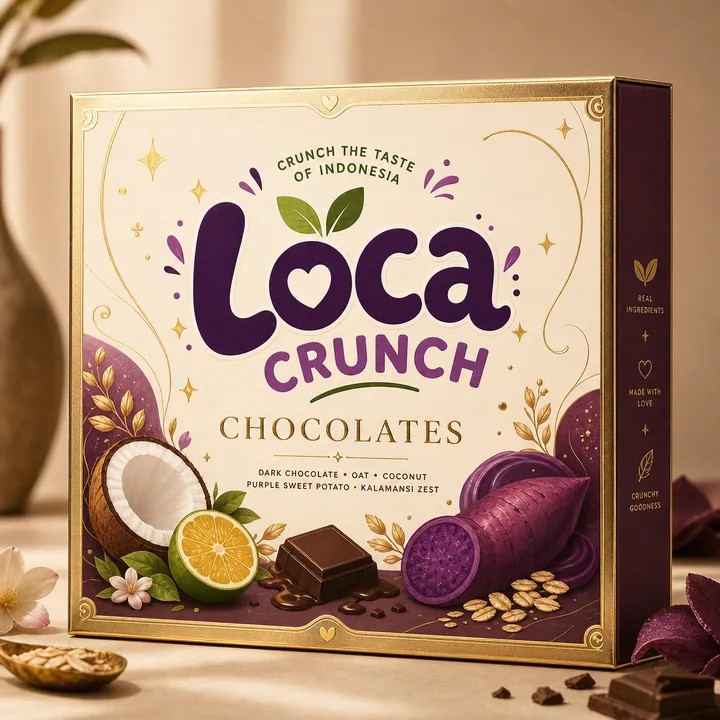 01 Packaging concept made in CraftyWand View project →
Packaging is a chain reaction. Get the shape right, design on the actual panels, then look at the whole thing before anyone reaches for a press.
Start with what the product needs to hold, how it ships, and how it opens. Then choose the structure and size.
Put the artwork on the real panels. Keep type off folds, carry colour through bleed, and check which way every face turns.
Spin it. Check the back. Look under the flap. Fix the mistakes before a printer finds them for you.
Boxes, pouches, tubes, and labels. Different formats, same job: be clear, be memorable, and be ready to make.
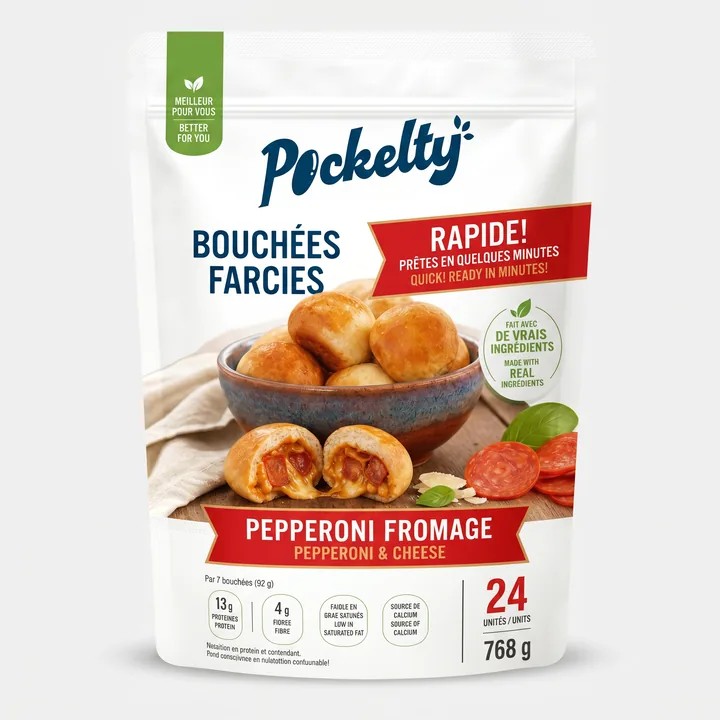 FOOD POUCHPockelty
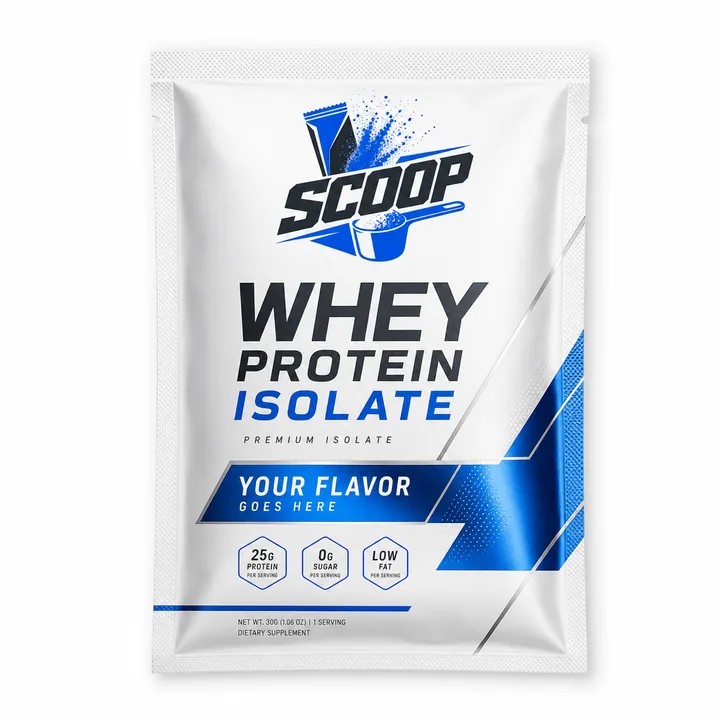 PROTEIN SACHETScoop
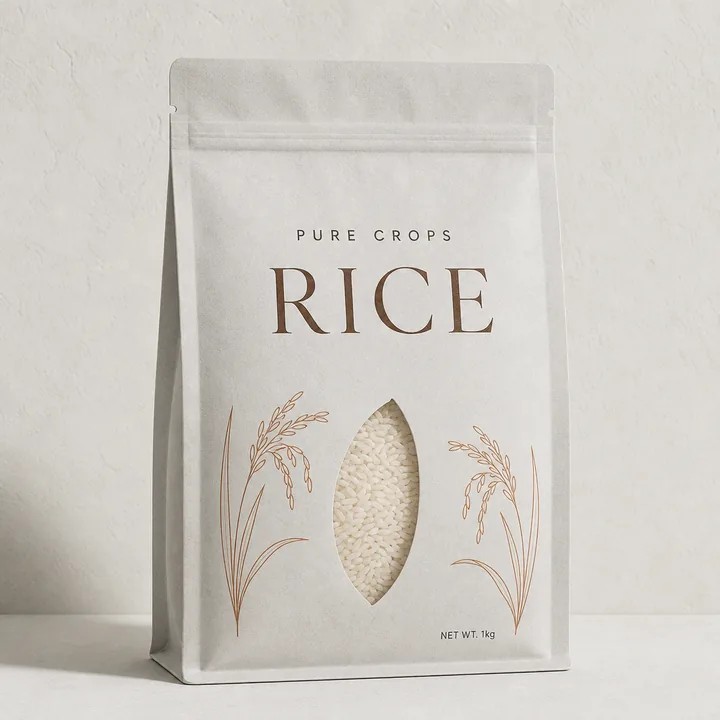 STAND-UP POUCHPure Crops
 SKINCARE SYSTEMCutisK
 BOTTLE + CARTONEmero
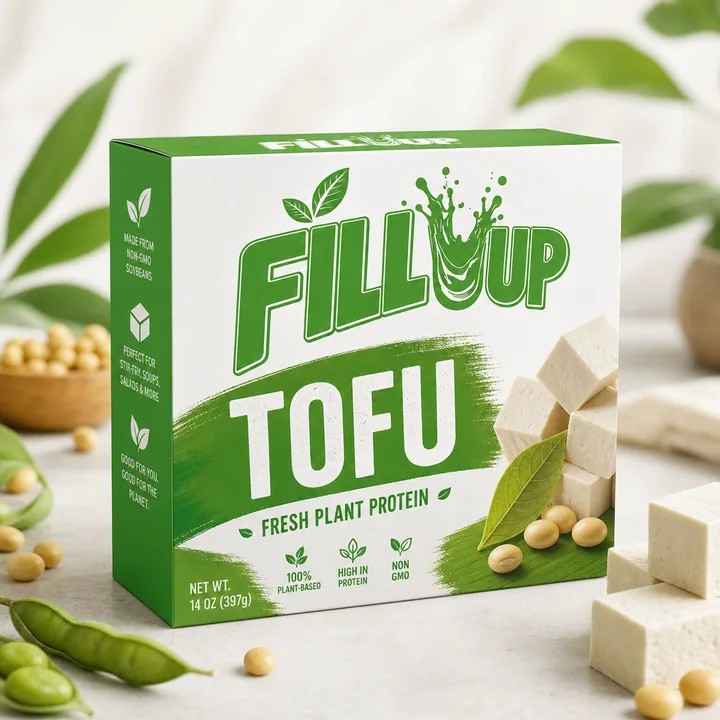 FOOD CARTONFill Up
All artwork above was created in CraftyWand.
Run this list once. Then run it again with the printer's spec sheet beside you.
Confirm finished dimensions, material thickness, glue areas, folds, and the dieline scale before placing final artwork.
Extend artwork to the printer's required bleed and keep small type, legal copy, and key marks inside agreed safe areas.
Use the requested colour space and profiles, verify spot-colour names, and inspect image resolution at final output size.
Package or outline fonts only when requested, confirm linked assets are present, and avoid unintended overprint settings.
Keep varnish, foil, emboss, white ink, cut, and crease information on clearly named production layers.
Proof every panel and confirm applicable labelling, language, barcode, recycling, and product-specific requirements before release.
If the 3D preview feels wrong, the physical package will not make it better.
Build yours in CraftyWandKnow the shape? Start with a dieline. Still finding the look? Browse the work. Ready to build? Go straight to the mockup library.
Choose a structure. Set the dimensions. Start on the real flat shape.
Browse dielines →Look through boxes, pouches, labels, bottles, tubes, and more.
See the work →Pick a model, add artwork, turn it around, and see what needs fixing.
Open the library →The flat production template for a package. It shows the cuts, folds, bleed, glue, and safe areas that the artwork has to respect.
Because flat artwork hides mistakes. A 3D view shows upside-down panels, awkward folds, buried copy, and a front that does not read from the shelf.
Yes. CraftyWand handles dielines, artwork, 3D mockups, saved projects, and exports without a desktop install.
Start free in CraftyWand. Build the dieline, add the artwork, and check it in 3D.